
Log in security & problem solving
The journal platform requires a user to enter their username or email address and an associated account password to access the submission system.
Forgotten password
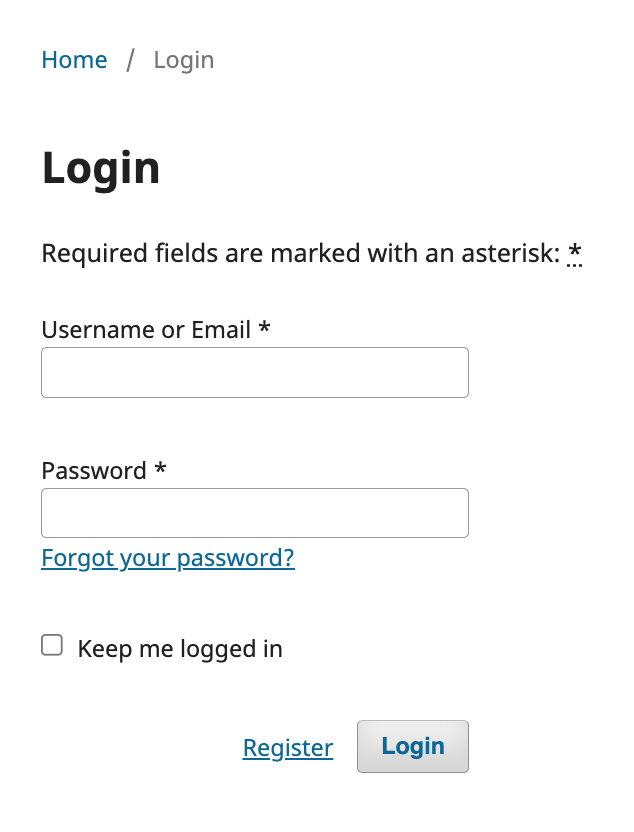
Should the user have forgotten their password then they should click the 'Forgot your password?' link that is displayed.
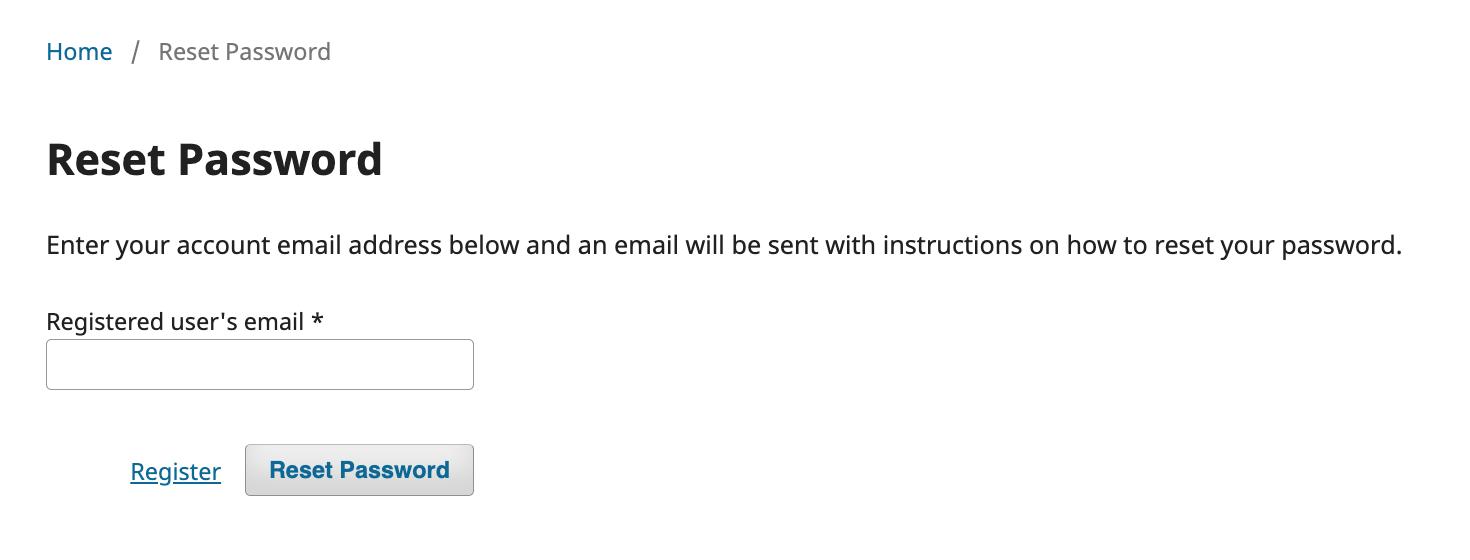
This will lead to a new page that will ask the user to input the email address associated with account. Once done, and the 'Reset Password' button is clicked then the system will send an email to the entered address. The email will include a link that will allow the user to set a new password and access the journal system.
Note: if the email is not received, check spam/junk folders.
If you continue to have problems logging into the account, please get in touch with our support team by logging an email via the widget on the Contact page.
Repeated log in attempts
Attempting to log into the journal with the wrong credentials too many times will lock the account. This is a security device to prevent malicious users from trying to gain access to the account. If the incorrect details are inputted more than 5 time in quick succession then account will be locked and the screen will display a message to confirm this.
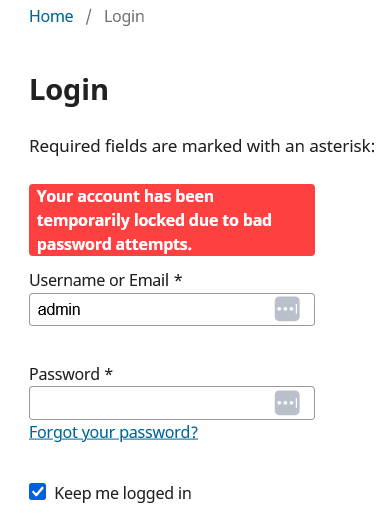
- bad login attempts will be forgotten after 12 hours
- account will be locked for 24 hours
If a user needs to unlock an account within that 24h period then will need to contact the support team and provide details of the journal title and account that needs to be unlocked